Introduction
In 2025, the smartest creators and marketers aren’t just producing new content—they’re repurposing content with AI to maximize reach and impact. One blog, podcast, or video can now be transformed into multiple formats—like short clips, carousels, newsletters, or visual memes—without starting from scratch. These AI social media tools are driving a new wave of automated content transformation, making it easier than ever to stay consistent across platforms. By using advanced content repurposing platforms, creators are turning a single idea into dozens of assets optimized for Instagram, LinkedIn, TikTok, YouTube, and more. Whether you’re looking to repurpose a blog to video with AI or streamline social media content recycling, this guide introduces 12 powerful tools to future-proof your content strategy in 2025.
Comparison Table
| Tool | Key Feature | Best For | Pricing Tier |
|---|---|---|---|
| Repurpose.io | Podcast → multi-platform clips | Audio/video creators | Paid |
| ContentIn | Blog → multi-asset + scheduler | Marketing teams | Paid |
| Jasper AI | Bulk brand-aligned writing | Content-heavy teams | Paid only |
| Hotpot.ai | AI-powered static graphics | Thumbnails, banners | Free / Paid |
| Vidyo.ai | Highlight auto-clipping | Reels & social clips | Free / Paid |
| Copy.ai | Marketing copy across formats | Captions, ads, email snippets | Free / Paid |
| Narrato | Workflow + SEO + templates | Content teams | Paid (Trial) |
| ReConvert | E‑commerce video/upsell tool | Online store owners | Paid |
| Descript | Text-based audio/video editing | Podcasters, editors | Free / Paid |
| Veed.io | Browser-based video editor | Social content creators | Free / Paid |
| Kapwing | Meme & captioned videos | Visual social snippets | Free / Paid |
| Designs.ai | Branding/logos/intros in one suite | Small businesses, startups | Paid only |
Dive into 12 Game-Changing AI Tools for Content Repurposing in 2025
1. Repurpose.io
Repurpose.io transforms long audio or video content—like podcasts and livestreams—into platform-ready clips, reels, and audiograms, automating uploads for you. This saves creators hours by scheduling across multiple platforms with minimal effort.
Pros:
- Automated multi-platform export
- Watermark-free reposts
Cons:
- Desktop-only user interface
- Limited visual editing
Watch Tutorial: Set Up Repurpose.io Quickly & Easily (Beginner Tips)
2. ContentIn
ContentIn takes blog posts and turns them into carousels, tweets, newsletters, and scheduled social content by retaining brand tone for cohesive content distribution. Its scheduler feature ensures repurposed content consistently hits your posting calendar.
Pros:
- Full multi-format export in one go
- Helps maintain brand and scheduling consistency
Cons:
- Visual design options are basic
- Analytic features could be improved
Watch Tutorial: How to use ContentIn AI
3. Jasper AI
Jasper AI is a full-featured AI writing platform that repurposes blog content into brand-aligned captions, ad copy, landing pages, and emails while optimizing for SEO and tone consistency. It’s ideal for teams needing scalable output with consistent brand voice.
Pros:
- Maintains brand voice and SEO optimization
- Handles bulk content production
Cons:
- AI outputs need final editing
- Pricier for small teams
Watch Tutorial: Jasper AI 10 Min Demo
4. Hotpot.ai
Hotpot.ai is a static image and design tool that generates thumbnails, banners, and infographics using AI-driven templates and image enhancement, making your blog content social-ready. It’s perfect for repurposing visual content with minimal effort.
Pros:
- Fast AI-generated visuals
- Includes photo enhancement tools
Cons:
- No video or audio features
- Quality may vary based on inputs
Watch Tutorial: Create, Enhance, and Share: A Quick Guide to Hotpot AI
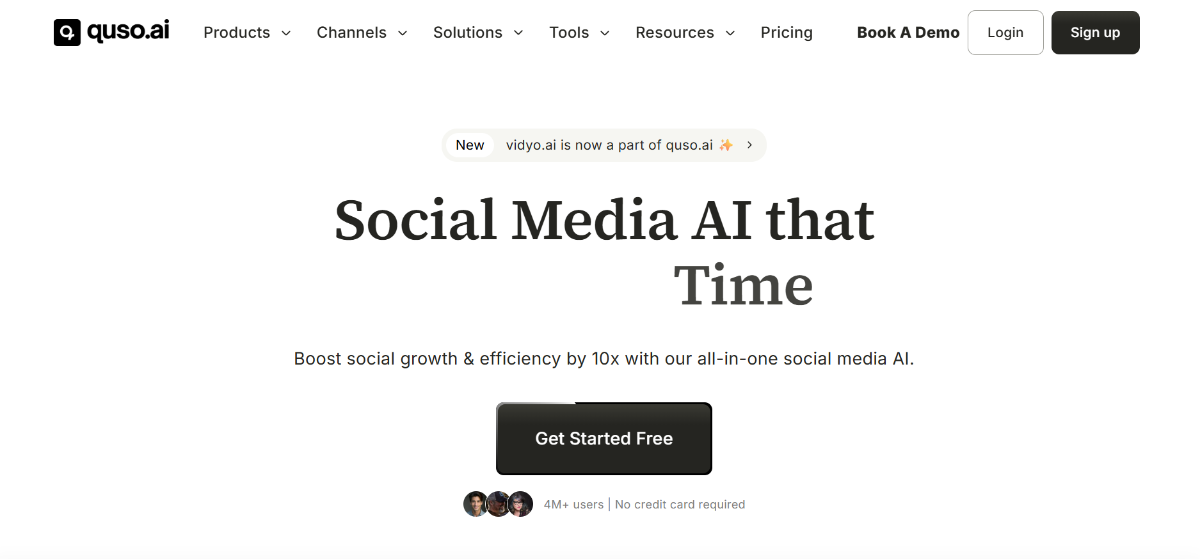
5. Vidyo.ai
Vidyo.ai identifies high-engagement video segments automatically and transforms them into vertical social clips like Reels and Shorts, significantly reducing manual editing time while preserving key messaging.
Pros:
- Data-driven clip selection
- Supports multi-format output
Cons:
- May trim crucial context
- Subtitle sync may require manual fix
6. Copy.ai
Copy.ai generates social captions, ad copy, email openings, and more using a library of templates, enabling quick and easy social content recycling while maintaining consistent tone.
Pros:
- 90+ marketing templates
- Free starter plan available
Cons:
- Variations need refinement
- No visual or video capabilities
Watch Tutorial: How to use Copy.ai — Ultimate Guide
7. Narrato
Narrato offers a complete repurposing toolkit for teams: input your blog and get email copy, tweets, video scripts, and SEO prompts—all in one workspace. This workflow approach ensures consistent brand tone and optimized output.
Pros:
- End-to-end content management
- Includes SEO-friendly prompts
Cons:
- Onboarding is required
- Limited design flexibility

8. ReConvert
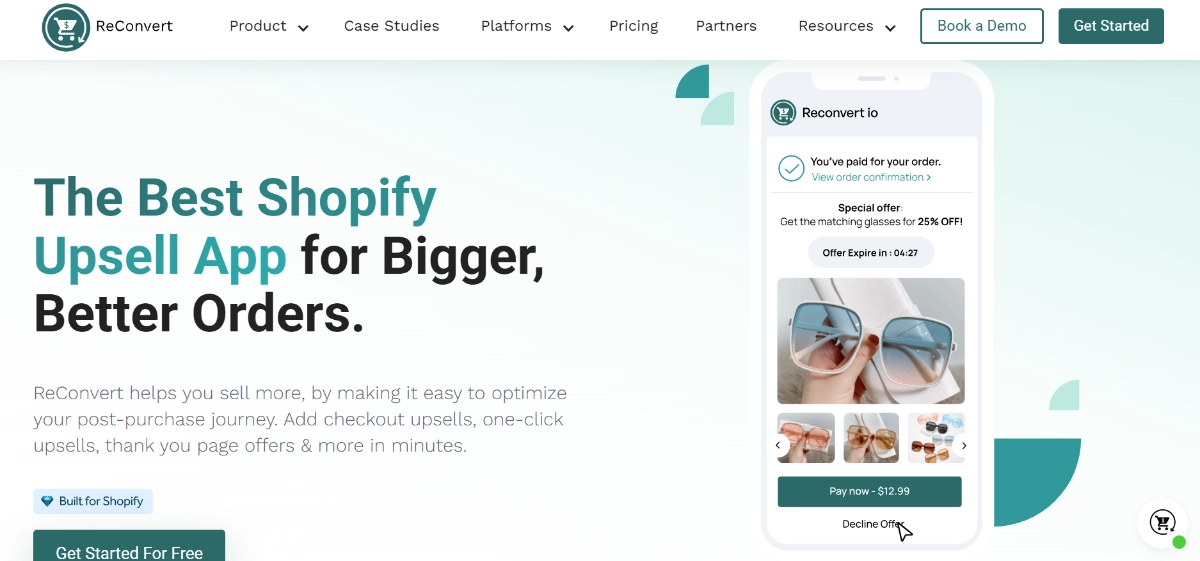
For e-commerce brands, ReConvert turns post-purchase messages and product reviews into thanks videos, upsell pages, and social snippets automatically—perfect for Shopify store content recycling.
Pros:
- Streamlines e-commerce content creation
- Boosts sales via automated upsell messages
Cons:
- Best suited to Shopify storefronts
- Not ideal for general content use
9. Descript
Descript lets you edit audio and video content by editing its text transcription—offering overdubs, transitions, and subtitle tools—all designed to enhance your podcast or video repurposing workflow.
Pros:
- Fast editing via transcript
- Overdub voice cloning
Cons:
- Learning curve for rich editing
- Premium tiers required for advanced tools
Watch Tutorial: How to use Descript
10. Veed.io
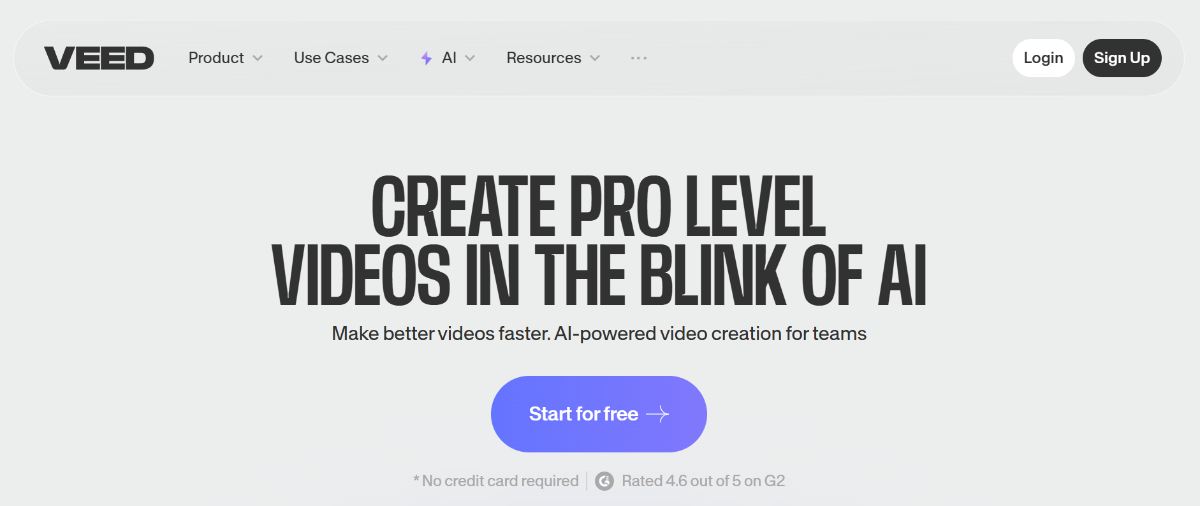
veed.io An online video editor that supports subtitles, translations, effects, and format conversion, allowing you to polish clips for multi-platform use without technical expertise.
Pros:
- Intuitive, browser-based editor
- Subtitle support included
Cons:
- Limited advanced editing controls
- Free plan leaves watermark
11. Kapwing
Kapwing allows you to quickly produce meme-style videos, captioned clips, collages, and GIFs from existing content—making it fast to repackage text or video content into social visuals.
Pros:
- Meme and content collage maker
- Annotations and editing tools ease visual content work
Cons:
- Free plan limits resolution
- Not ideal for long-form edits
Watch Tutorial: How to use Kapwing AI
12. Designs.ai
Designs.ai uses AI to build brand kits, logos, intros, and captions—making it easy for startups and small businesses to generate consistent branding across all content formats.
Pros:
- Complete branding suite
- Includes logo, video intro, and voice-over tools
Cons:
- Higher recurring cost
- Generic results may need customization
FAQs
Q1: Which tool is best for repurposing podcasts and livestreams?
For automating podcast or livestream clips, Repurpose.io is ideal—it creates platform-ready short videos and audiograms without manual export.
Q2: How can I turn a blog into a range of social assets and posts?
Use ContentIn to transform a single blog into carousels, tweets, emails, and scheduled posts with consistent styling, streamlining the entire republishing workflow.
Q3: What’s the best tool for generating consistent brand voice at scale?
Jasper AI excels at maintaining brand voice, SEO tone, and style across captions, blog updates, and ad copy—perfect for team-based content strategies.
Q4: I need quick visuals from my blog—what should I use?
Hotpot.ai is great for generating thumbnails, visuals, and banners instantly. Kapwing is excellent for captioned snippets or collages.
Q5: How can I edit videos using text rather than timeline?
Descript allows text-based editing for audio and video—cut, punch-in, or overdub by editing the transcript.
Conclusion
In 2025, mastering automated content transformation is key to scaling your voice without burning out. These 12 new AI tools offer a full suite of repurposing capabilities—from audio-to-clip conversions and branded visuals to transcript-based editing and auto-generated copy. By adopting AI social media tools, you can work smarter, publish more consistently, and maintain polished brand messaging across every platform.
Next Steps:
- Try Repurpose.io, ContentIn, or Jasper AI to streamline your workflow.
- Use Hotpot.ai and Kapwing to quickly generate impactful visuals.
- Leverage Descript and Vidyo.ai to efficiently clip and edit your multimedia.
Want help setting up your repurposing pipeline or prompts? Subscribe for free templates, tutorials, and one-on-one consultations to level up your AI content strategy!
![AI Life Autonomous Personas – 5 Game-Changing Trends [2025]](https://inovrex.com/wp-content/uploads/2025/11/AI-Life-Autonomous-Personas-–-5-Game-Changing-Trends-2025.webp)
![GPT-5 Powers Real-World AI Smarts [2025]](https://inovrex.com/wp-content/uploads/2025/08/WhatsApp-Image-2025-08-22-at-12.59.10_827e8782.jpg)